Sharing Meal Plans
Meal plans can be shared with other RecipeSage users, or shared via iCal link to anyone (even if they don't have an account).
Video Guide
This same video also appears on the 📖 creating and editing and 📖 usage and options pages, since it covers meal plans as a whole. Think of it as a visual overview to help you get oriented. It does not cover everything, so read on down this page for the details specific to sharing meal plans.
Sharing to RecipeSage users
Sharing to other RecipeSage users will give them edit access to the calendar, and allow them to add their own recipes to the calendar.
To share a meal plan with another user, you can either start with an existing meal plan or start with a new meal plan.
Sharing a new meal plan
To share a new meal plan, head to the 📱 Meal Plans page.
Click the + button in the bottom right corner.
Enter a meal plan title.
Add collaborators using the "Search by email or handle" field under "Collaborators". Search for each person by their email or handle and select them. Once added, the UI should look like this:
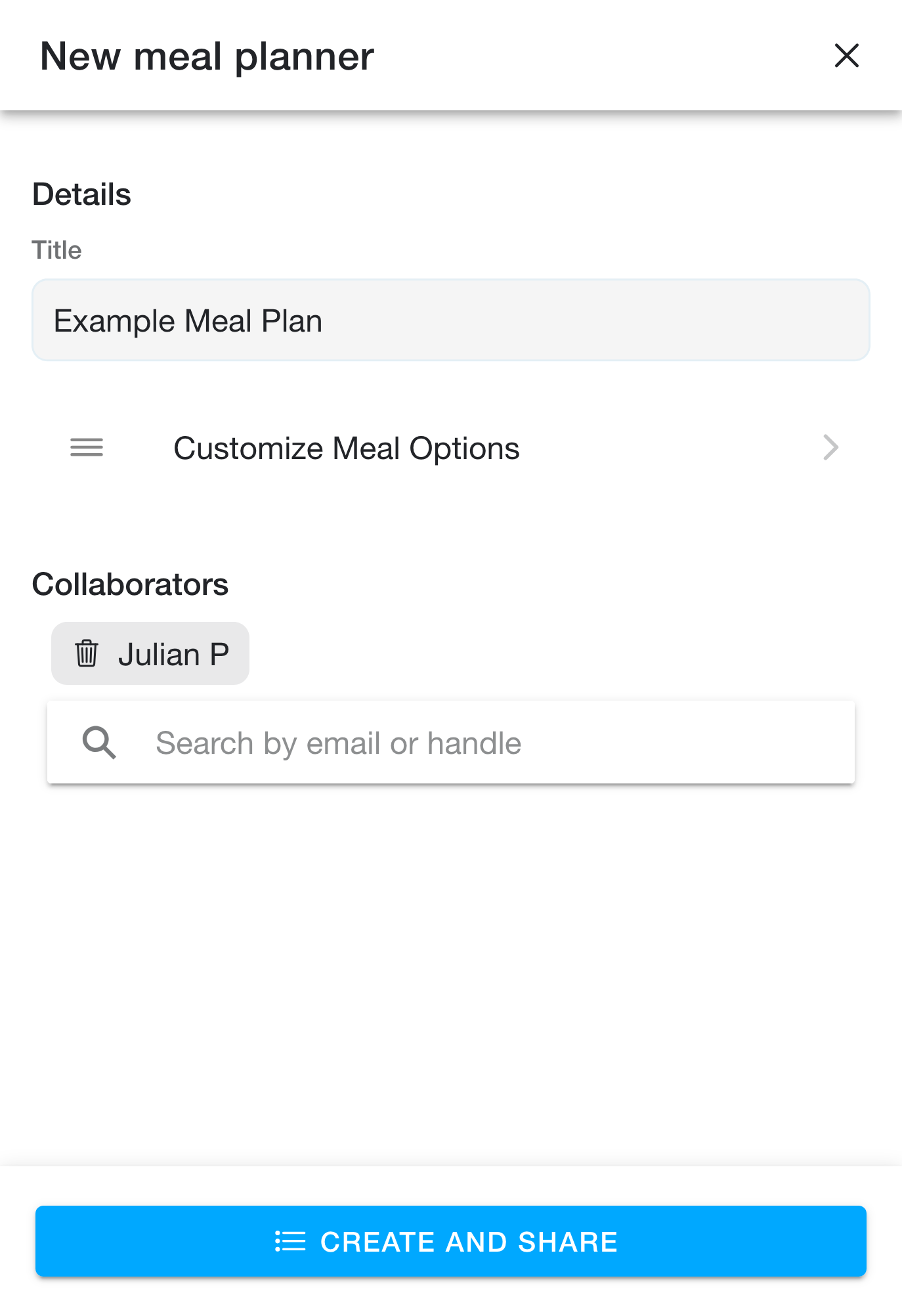
Click "Create and Share" (the button changes from "Create" to "Create and Share" once you have added at least one collaborator).
Sharing an existing meal plan
To share an existing meal plan, head to the 📱 Meal Plans page.
Open the meal plan you would like to share.
Click the options button in the top right corner of the navbar to open the options popover.
Click the "Manage Meal Plan" button (Note: this button is only available if you own the meal plan in question).
Add collaborators using the "Search by email or handle" field under "Collaborators". Once added, the UI should look like this:
Click "Update and Share" to save.
Sharing to non-RecipeSage users
Sharing to non-RecipeSage users can be done in iCal form.
First, head to the 📱 Meal Plans page.
Open the meal plan you would like to share.
Click the options button in the top right corner of the navbar to open the options popover.
Click the "Get iCal Link" button.
Send the link displayed to another user. This link can be used in most calendar applications (such as Google Calendar), usually described as "add external calendar".