Measurement Converter
The Measurement Converter is both a reference and a live calculator for common kitchen measurements. You can reach it from Side Menu -> Tools -> Measurement Converter.
It has three modes, selected with the tabs near the top of the page: Volume & Weight, By Count, and Temperature.
Volume & Weight
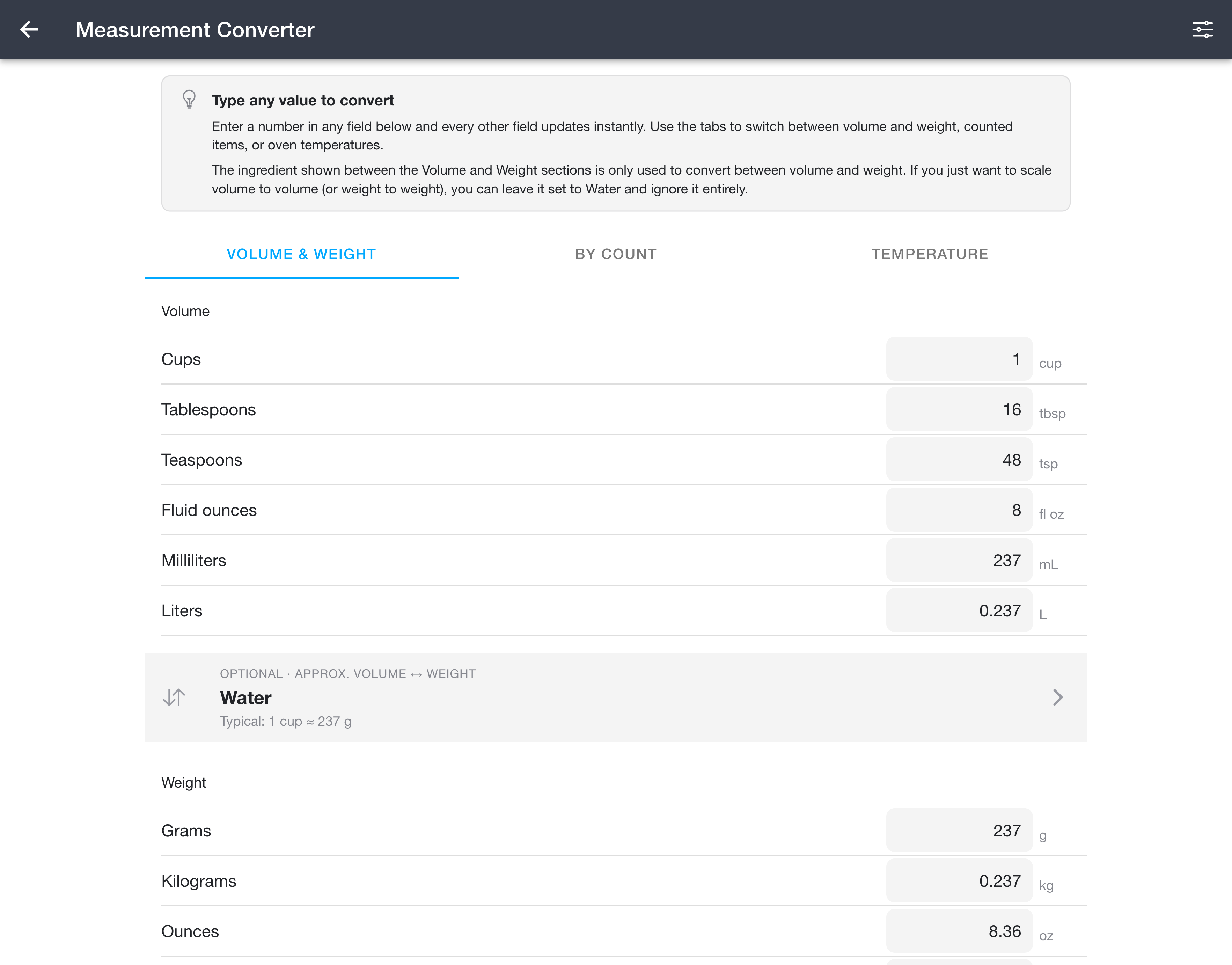
The Volume & Weight mode converts a single amount between every common volume and weight unit at once.
- Type a number into any field. Every other field updates instantly.
- Volume units: cups, tablespoons, teaspoons, fluid ounces, milliliters, and liters.
- Weight units: grams, kilograms, ounces, and pounds.
- The ingredient panel that sits between the Volume and Weight groups controls the volume-to-weight relationship only. Tap it to pick any of the supported ingredients (the converter starts on Water). The line under the ingredient name shows its basis (for example,
1 cup ≈ 237 g). Note: You do not need to select an ingredient for weight-to-weight or volume-to-volume conversions to work.
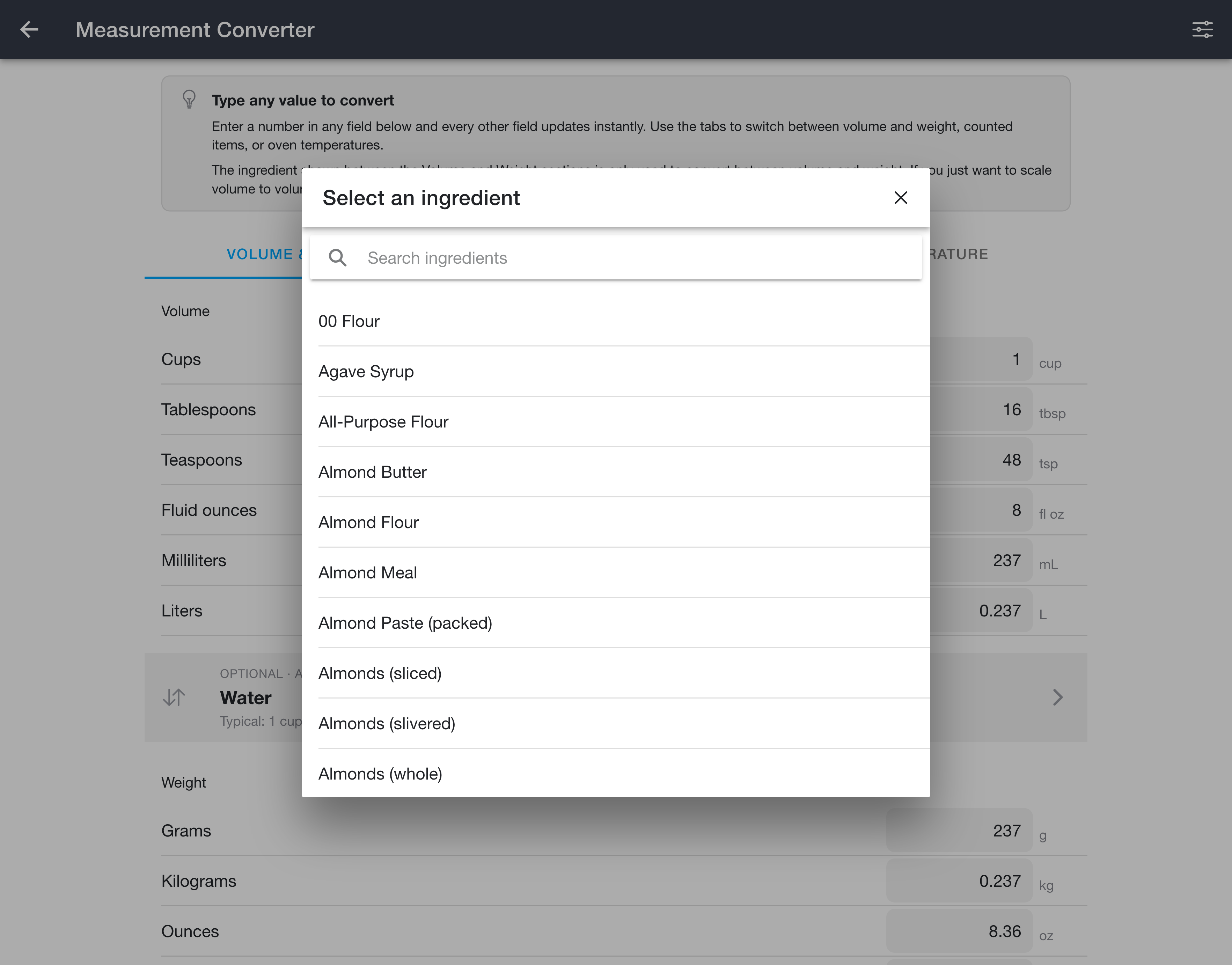
Because a cup of flour and a cup of honey weigh very different amounts, the volume-to-weight bridge depends on the ingredient you pick. Tap the ingredient panel to open the picker, then search for and select the one you are measuring.
A few ingredients (such as fresh blueberries) can vary in how much they weigh; for those, the converter uses a typical average and shows a short note to that effect.
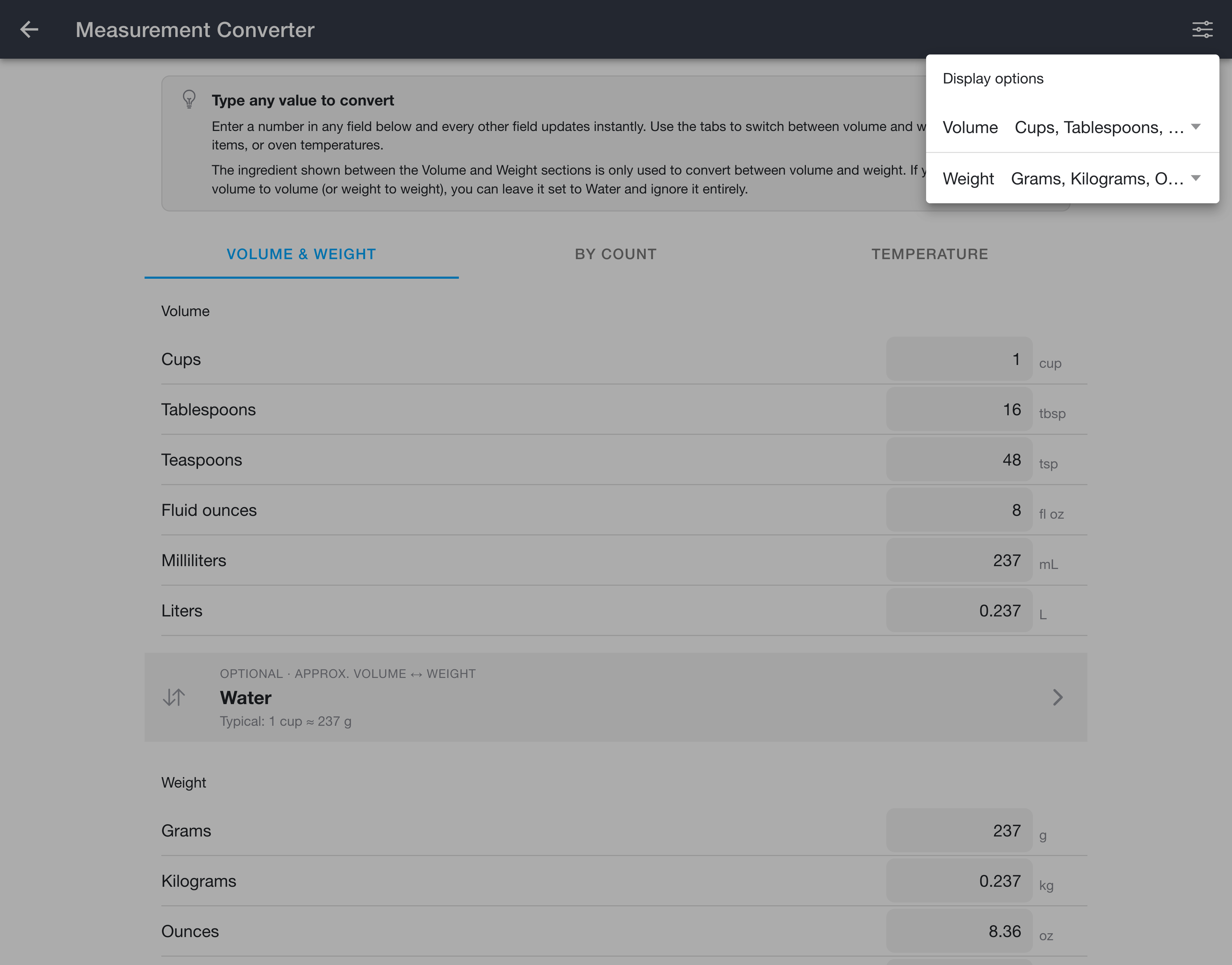
The Volume and Weight groups start with a sensible set of the most common units. To show or hide the less common ones (pints, quarts, gallons, deciliters, centiliters, and imperial cups, pints, and fluid ounces for volume, plus milligrams and stones for weight), open the Display options menu in the top-right corner and choose the units you want under Volume and Weight. Your selection is saved, so the units you turn on stay visible the next time you open the converter.
By Count
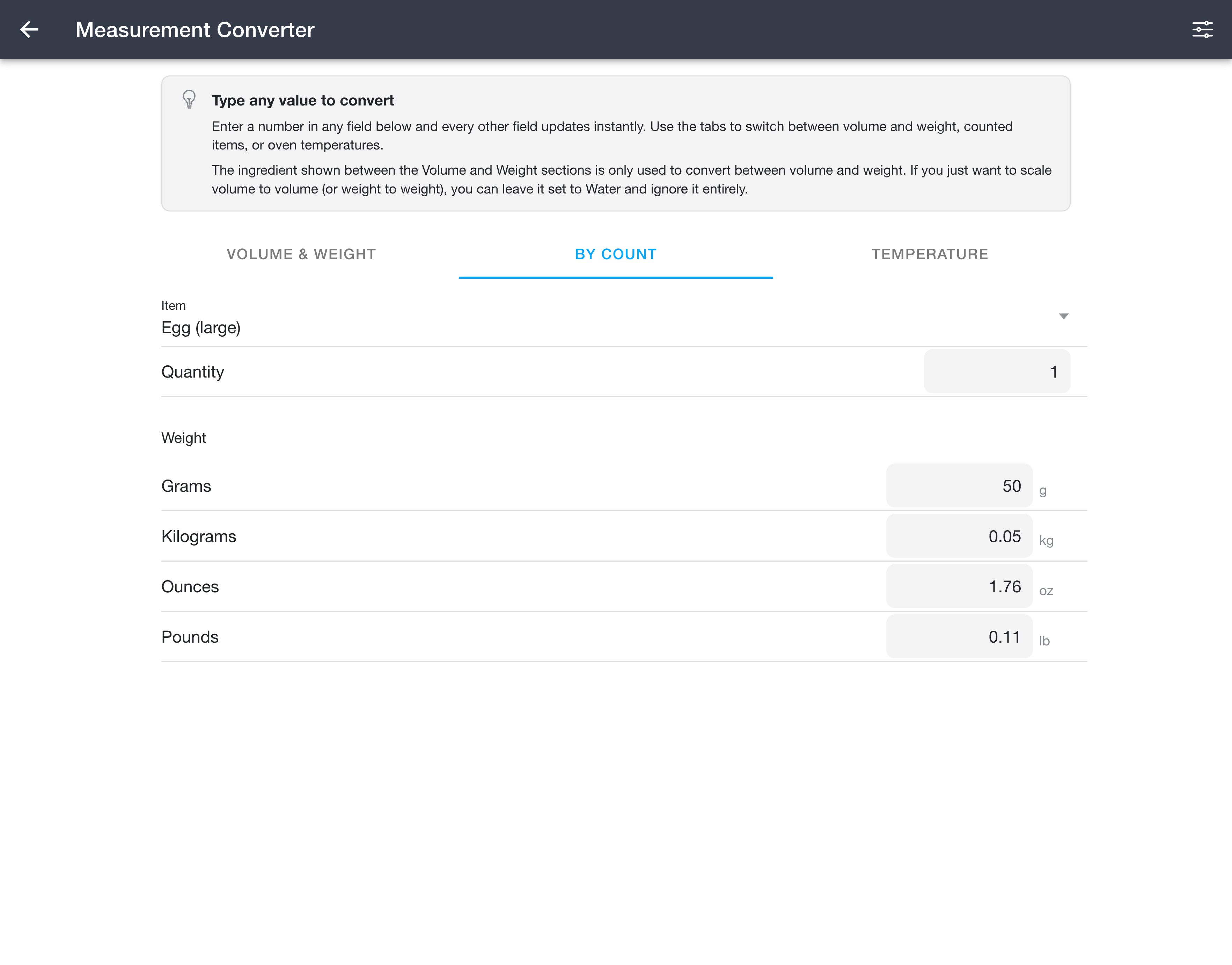
The By Count mode converts whole items that are usually measured by number rather than by volume, such as eggs, sticks of butter, garlic, common produce, and slices of bread.
- Choose an item from the list.
- Either enter how many you have to see the total weight, or enter a weight to see how many of that item it corresponds to. The quantity and every weight unit (grams, kilograms, ounces, pounds) update together in both directions.
Whole-item weights vary widely between specimens, so most entries use a typical average and show a short note to that effect.
Temperature
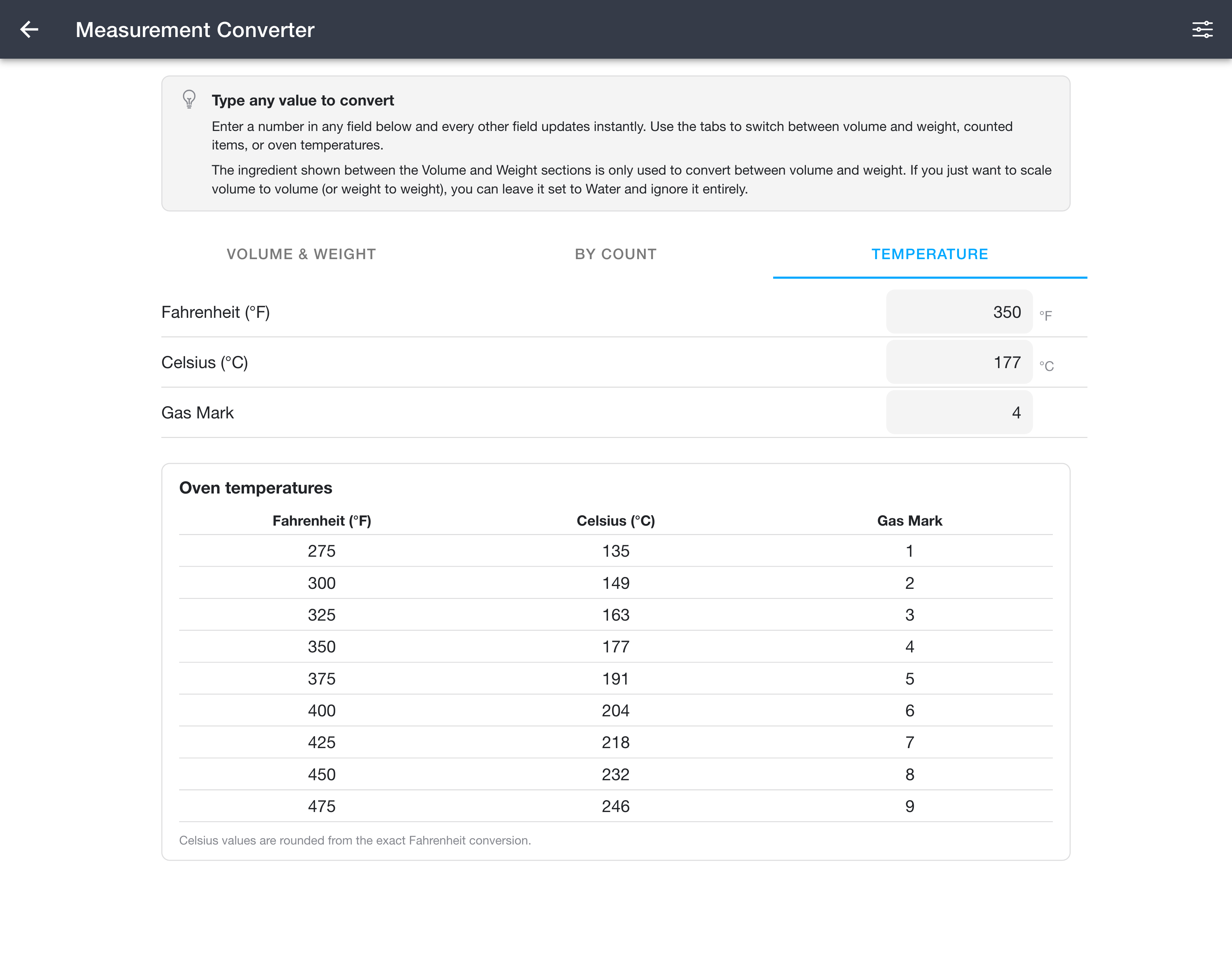
The Temperature mode converts oven temperatures.
- Enter a value in Fahrenheit, Celsius, or Gas Mark, and the other two update.
- A reference table lists common oven temperatures side by side.
Celsius values in the reference table are rounded from the exact Fahrenheit conversion.
Notes
- Nothing you enter is saved. These converters act as a calculator only.
- Cooks pack and measure ingredients differently, so treat the weights as close approximations and follow the weight in your recipe when one is given.