Creating Shopping Lists and Items
Video Guide
This same video also appears on the 📖 usage and options and 📖 sharing pages, since it covers shopping lists as a whole. Think of it as a visual overview to help you get oriented. It does not cover everything, so read on down this page for the details specific to creating shopping lists and items.
Creating a Shopping List
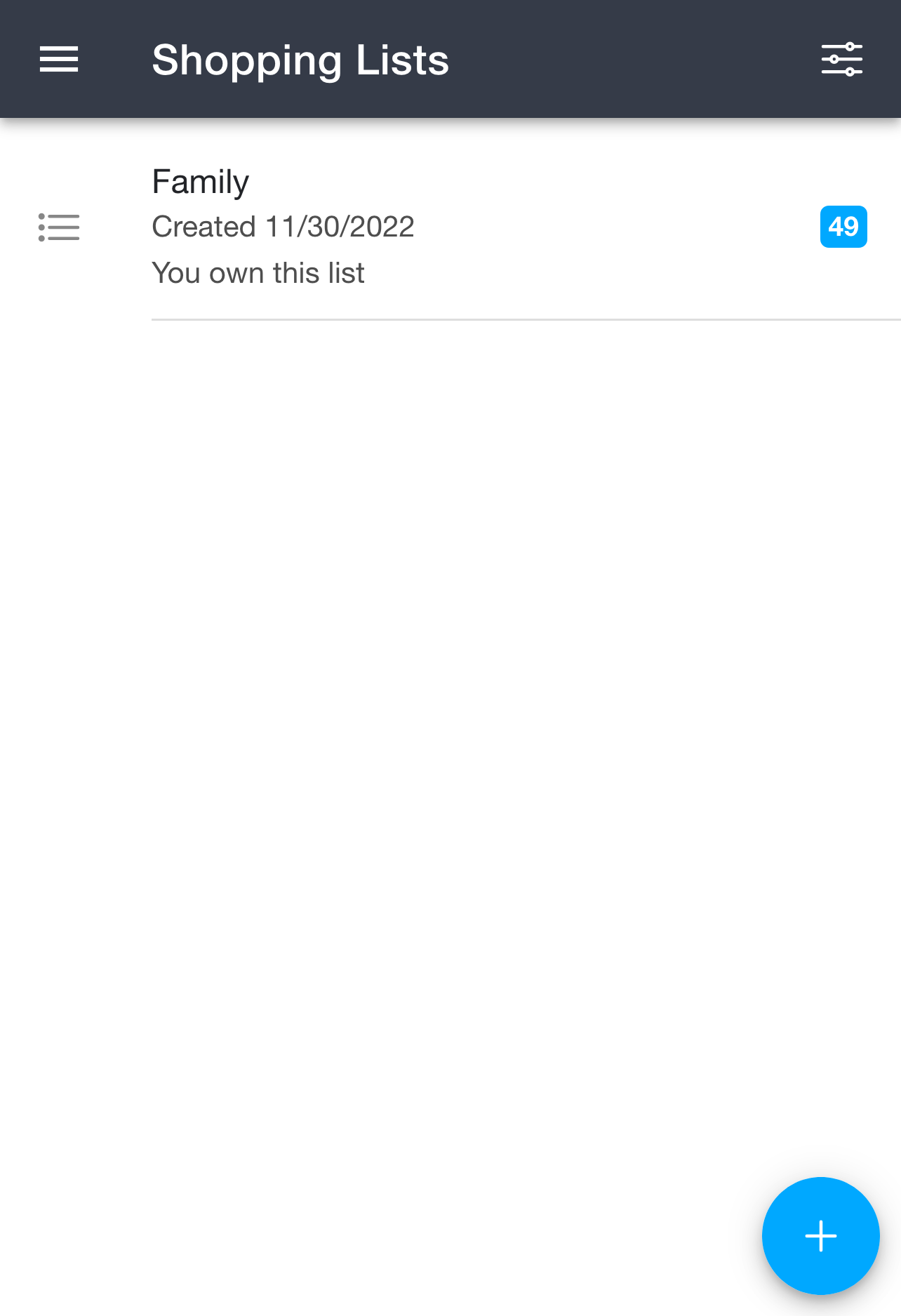
The 📱 Shopping Lists page shows all of the shopping lists you own or collaborate on, along with the number of items in each. To create a new one, click the + button in the bottom right corner.
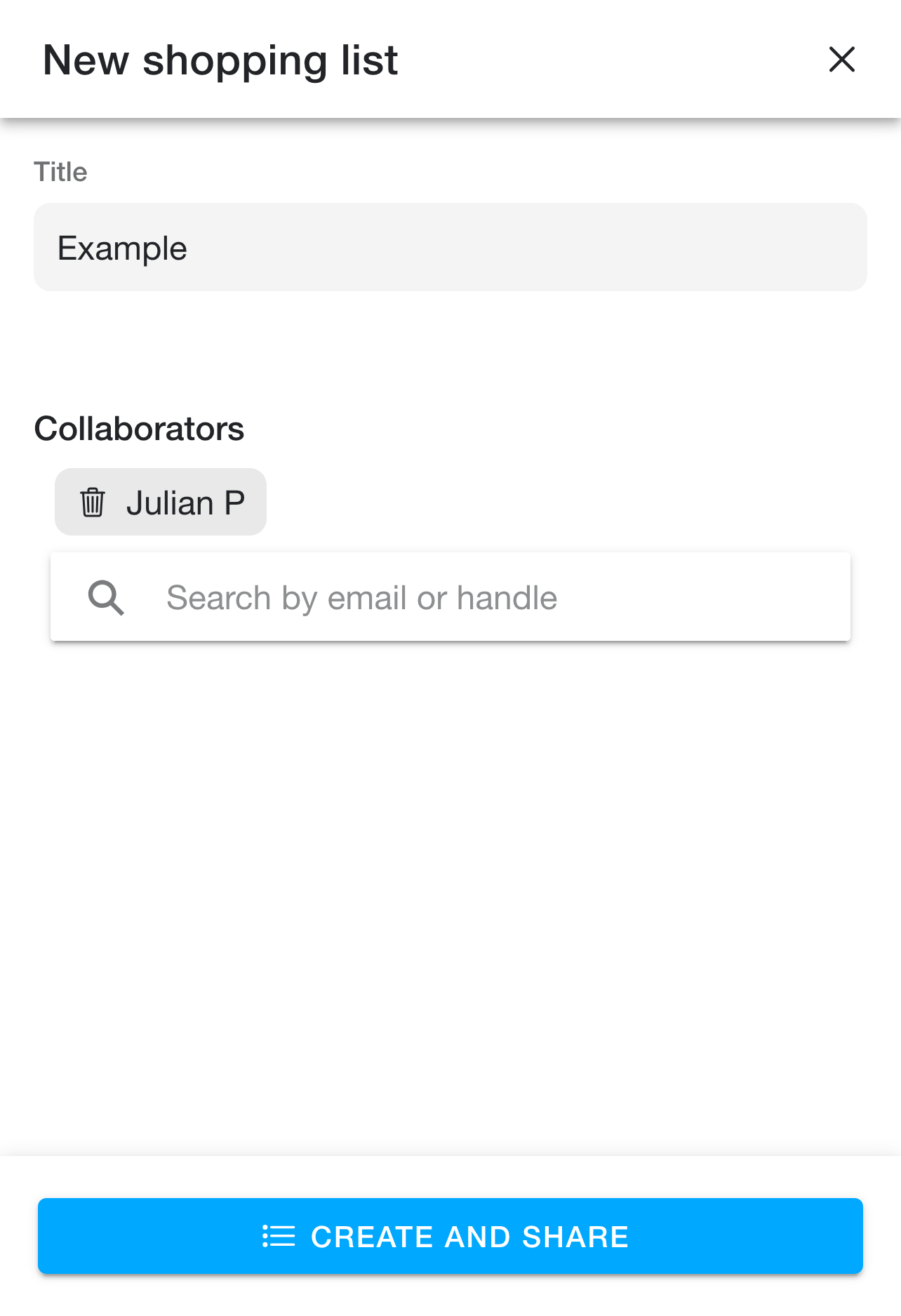
To create a shopping list:
- Open the 📱 Shopping Lists page
- Click the + button in the bottom right corner
- Add a title and any collaborators (search for collaborators by email or handle)
- Click "create and share"
Adding Items to a Shopping List
To add items directly to a shopping list:
- Open the 📱 Shopping Lists page
- Open the shopping list you'd like to add items to
- Click the + button in the bottom right corner
- Leave "items" selected unless you want to 📖 add a recipe
- Enter your items in the text box, one item per line. Add as many as you'd like here
- Click "add to list"
Adding a Recipe to a Shopping List
To add a recipe to a shopping list you have two options - either via the recipe details page or via the shopping list details page. Both are just as effective, and are merely for convenience depending on what you're doing at the moment. Feel free to go through either flow depending on what's easier for you.
Via the Shopping List Page
- Open the 📱 Shopping Lists page
- Open the shopping list you'd like to add the recipe to
- Click the + button in the bottom right corner
- Select "recipe"
- Search for the recipe you'd like to add via the search box
- Click the recipe you'd like to add from the results list
- Select the items you'd like to add, as well as selecting the scale (scaling changes the multiplier on each ingredient within the list)
- Click "add to list"
Via the Recipe Details Page
- Open the 📱 My Recipes page
- Open the recipe you'd like to add
- Open the options menu in the top right corner
- Click "add to shopping list"
- Select the shopping list you'd like to add the recipe to
- Select the items you'd like to add, as well as selecting the scale (scaling changes the multiplier on each ingredient within the list)
- Click "add to list"